Pick up exactly where you left off.
Not just another second brain. SHOGUN AI is the context source layer for AI-native work — a local-first memory that turns your Mac into the substrate every AI you use can finally reason from.
195 / 500 innovators on the waitlist
Reserved for a small circle of AI-native operators, founders, and researchers shaping how work gets done.
No card · invite-only

How it works
Three quiet layers. One memory.
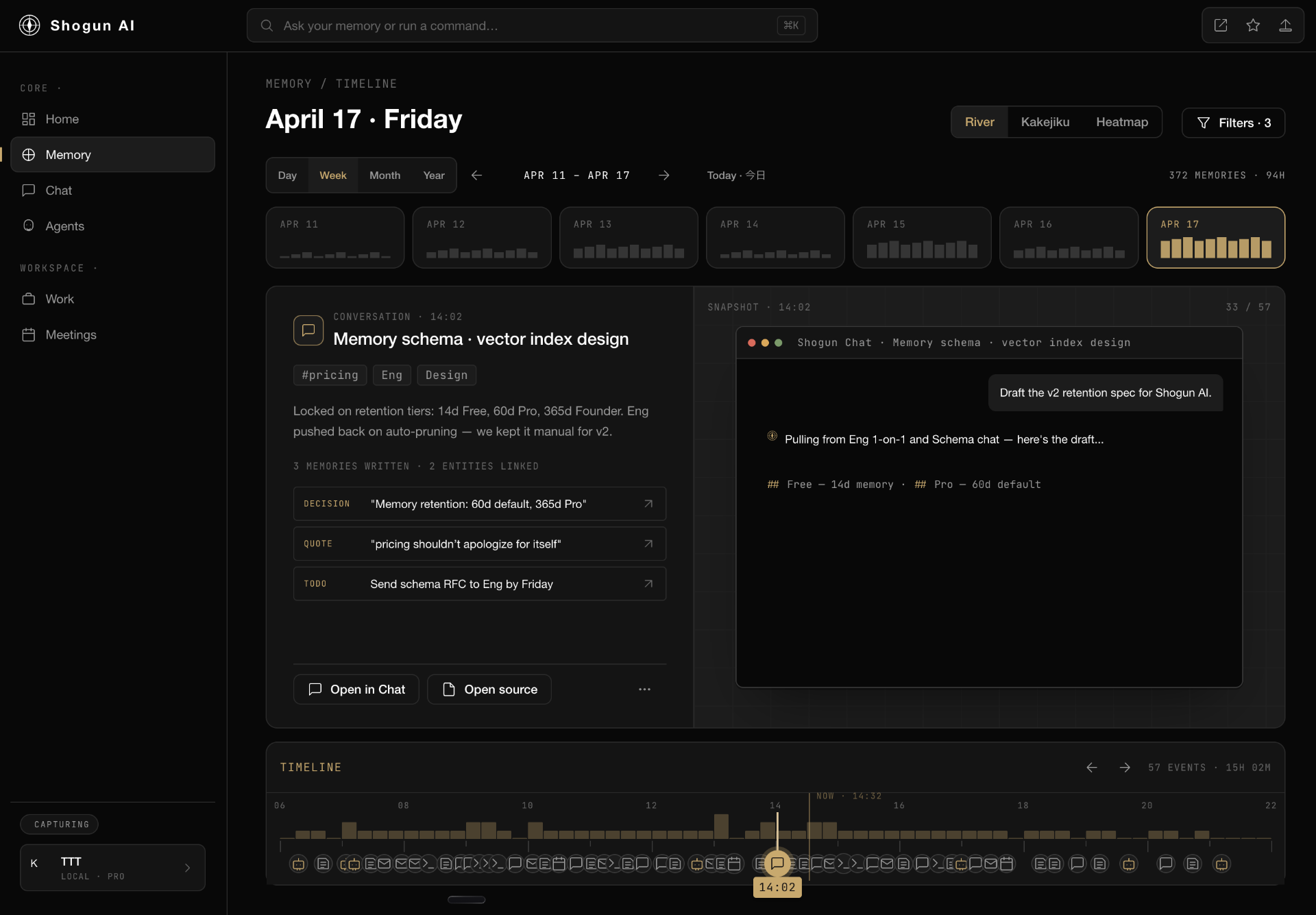
Quiet context, captured locally.
SHOGUN records app focus, accessibility text, and keyboard activity — entirely on your Mac. No screenshots are ever taken. No Screen Recording permission is requested.
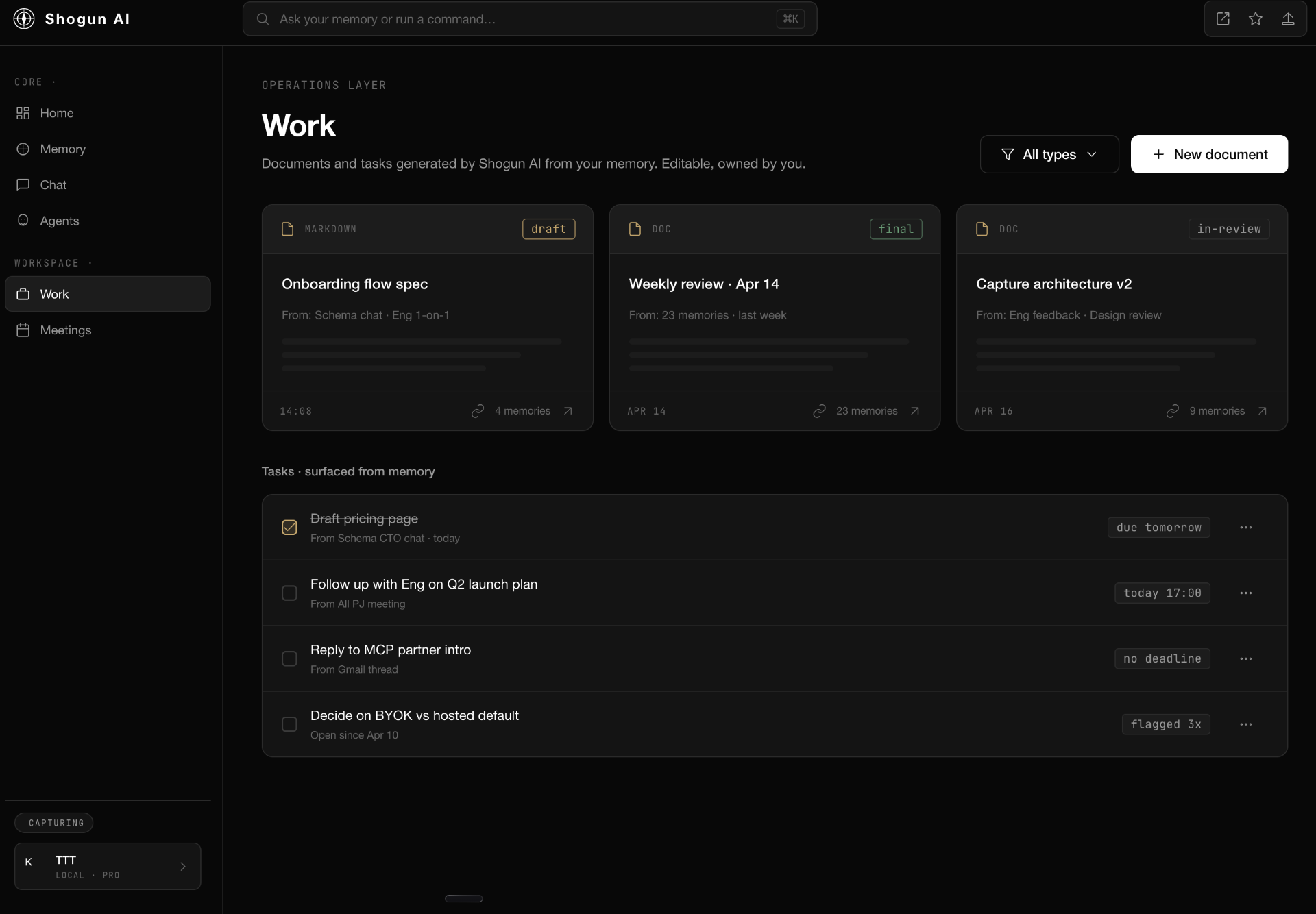
A searchable record of your day.
Everything is indexed into a local SQLite database with full-text search. Scrub the river, jump to any moment, see what you were reading, writing, or deciding — instantly.
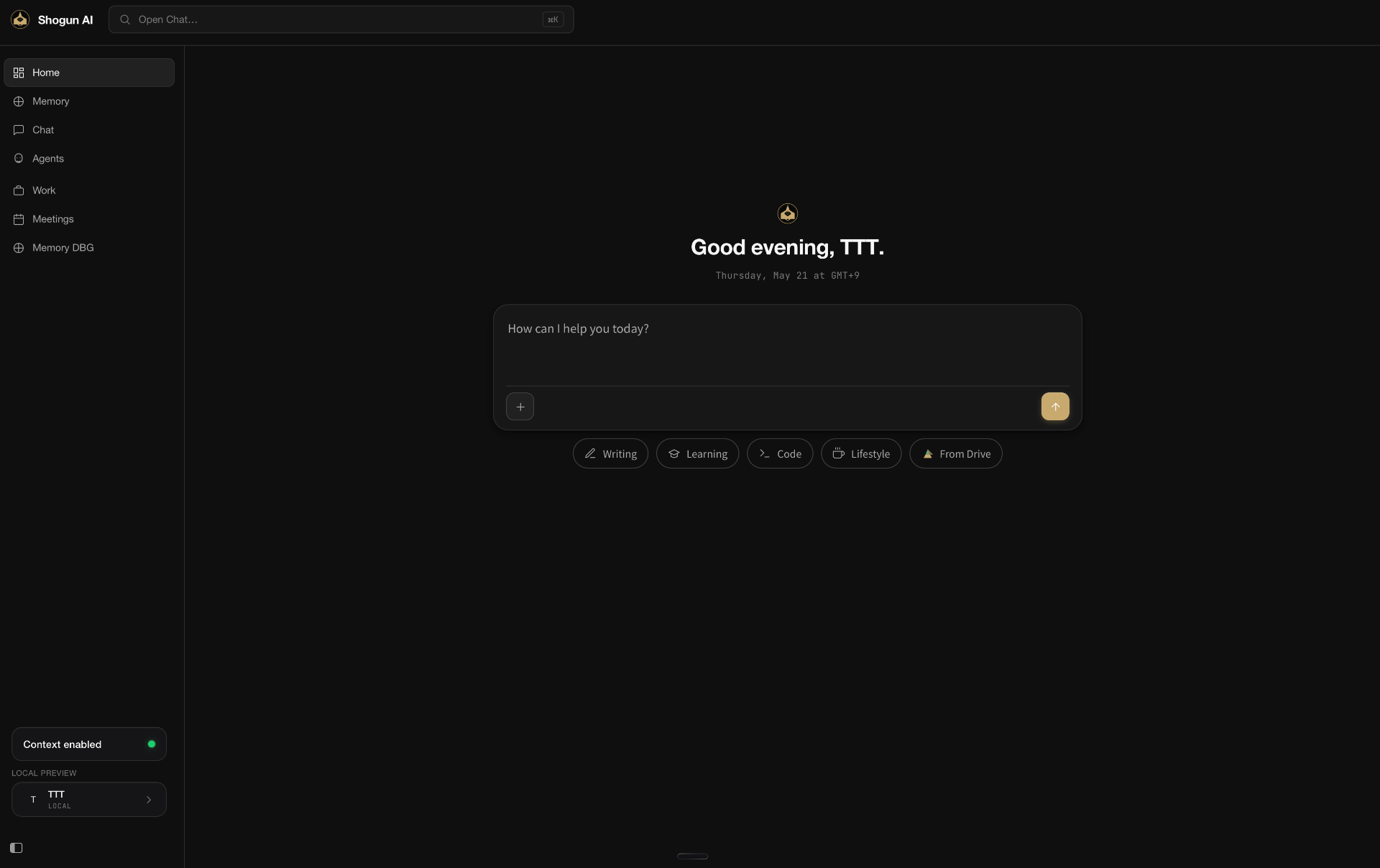
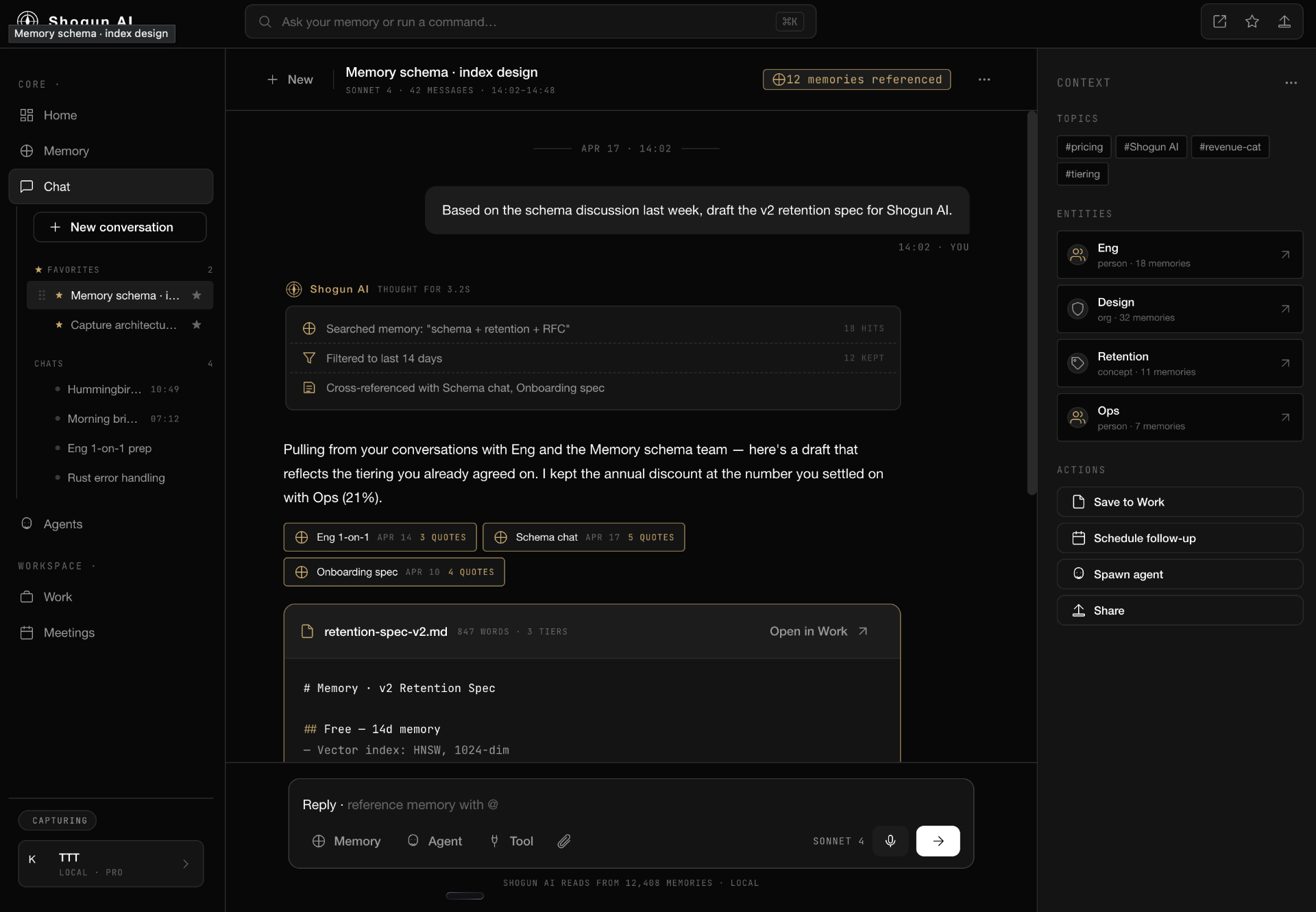
AI that remembers — when you ask.
Bring your own LLM API key. Ask 'what was I doing before lunch?' or 'draft a follow-up from yesterday's call.' SHOGUN assembles the relevant context only when you initiate a conversation.
Features
Designed for how you actually work.
Morning Brief
A daily context headline on Home — what's open, what's overdue, what mattered yesterday.
Keyword + Semantic Search
FTS5 full-text by default. Optional semantic re-rank when you connect your own LLM key.
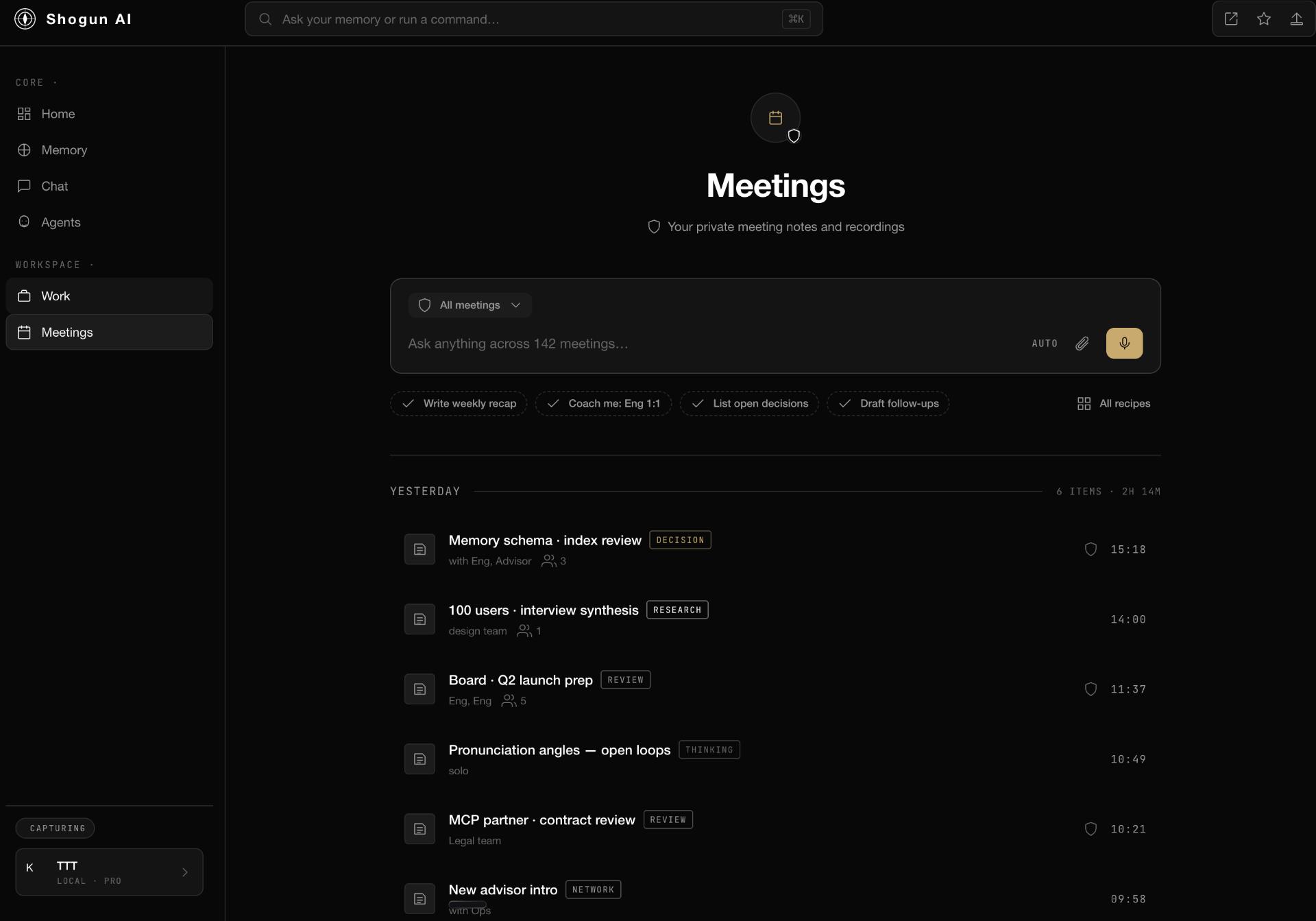
Meetings & Documents
Private notes and recordings, surfaced into your timeline next to the work they belong to.
Capture Controls
Pause and resume anytime. Watch the live event tail. You stay in charge of what's remembered.
Gmail & Calendar
Optional integrations bring email threads and meeting context into your memory. Rolling out in Early Access.
Bring Your Own Key
Use OpenAI, Anthropic, or your own gateway. Keys live in macOS Keychain — never on our servers.
Privacy
Your memory belongs on your machine.
Most 'AI memory' products quietly stream your screen to a server. SHOGUN is built on the opposite principle: capture stays local, keys stay in Keychain, and nothing reaches an LLM unless you start a conversation.
Pause capture with one click. Inspect every event in the live tail. Delete anything, any time — it was always yours.
- Capture method
- Accessibility (AX) text + app focus + keyboard events
- Screenshots
- Never
- Screen Recording permission
- Not requested
- Storage
- Local SQLite on your Mac
- Cloud sync
- None
- LLM keys
- macOS Keychain
- Server-side assembly
- Opt-in, per user
- Platforms
- macOS (Apple Silicon & Intel)
Glimpse
A second brain that respects the first.
FAQ
Honest answers.
Capture stays on your Mac. The only time data leaves is when you initiate a chat — and only the context needed for that prompt is sent to the LLM provider you configured.

Build a second brain that actually remembers the first.
Early Access is rolling out now. Drop your email — we'll send your invite in the next batch.
Early Access · Invite-only